Music Learning Apps: How to Use Them Wisely
Music apps can make practice fun and motivating, but they work best as part of a balanced approach. Types of apps, what they teach well, their limits, choosing apps for children and combining apps with lessons.
In this guide
Music learning apps have transformed how many people practise. With a phone or tablet, you can follow interactive lessons, test your note reading, train your ear, use a tuner and metronome, and track your progress. Apps can be motivating and convenient, but they also have limits. Used wisely, they are a powerful addition to learning; used alone, they can leave gaps. This guide explains how to get the most from music apps.
Types of music apps
| Type | What it does | Best for |
|---|---|---|
| Interactive instrument lessons | Listens to you play and gives feedback | Beginners on piano, guitar |
| Theory and note reading | Quizzes on notes, symbols, keys | Building reading speed |
| Ear training | Interval, chord and rhythm tests | Singers and all musicians |
| Practice tools | Tuner, metronome, recorder, timer | Everyday practice |
| Sheet music and backing tracks | Scores, play-along accompaniments | Repertoire and performance |
What apps do well
Apps excel at providing instant feedback on notes and rhythm, making repetition fun through games and rewards, and offering structured progressions. Theory and ear-training apps are particularly effective, because they can drill skills quickly and adapt to your level. Practice tools such as tuners and metronomes are essential and convenient. Our free music tools, including a metronome, note reading trainer and ear trainer, work in any browser.
What apps cannot do
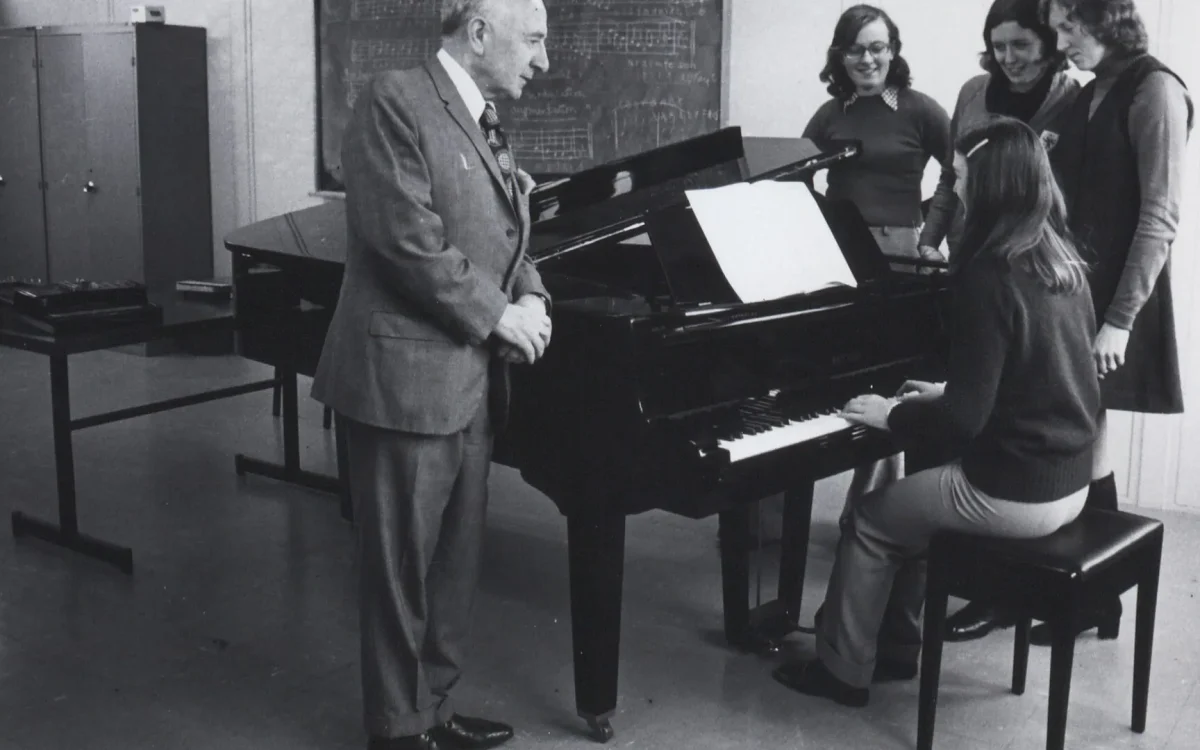
Apps cannot see your posture, hand position or tension, so they cannot correct physical habits that may cause problems later. Many cannot judge tone quality, expression or musical phrasing. Interactive apps often focus on playing the right notes at the right time, which is important but only part of musicianship. Apps also cannot adapt to your personality, goals and challenges the way a good teacher can.
Combining apps with lessons
The most effective approach for many learners is combining apps with lessons. A teacher builds technique, musicality and good habits; apps provide extra practice, motivation and drills between lessons. Tell your teacher which apps you use, so they can suggest how to fit them in. Many teachers recommend specific apps for theory, ear training or practice tracking.
Apps for self-learners
If you are learning without a teacher, apps can provide valuable structure. Choose apps with clear progressions and good feedback. Record videos of yourself regularly to check posture and technique, comparing with good examples. Consider occasional lessons or video feedback from a teacher to catch problems early. See learning music without a teacher.
Choosing apps for children
For children, look for apps that are age-appropriate, educational rather than purely entertaining, and free of distracting adverts or pressure to make purchases. Check privacy policies and parental controls. Try apps yourself first. The best children’s apps teach real skills, such as note reading, rhythm or keyboard geography, through short, engaging activities. See music theory games for kids.
Screen time and balance
Apps should support, not replace, time spent playing real instruments. For children especially, balance app use with hands-on practice, singing, movement and making music with others. A useful guideline is to use apps for short, focused sessions, perhaps five to ten minutes, as part of a longer practice. Real musical experiences, such as playing for family or joining a group, remain essential.
Avoiding common pitfalls
Some learners use interactive apps to play songs by following falling notes or highlighted keys without actually learning to read music. This can feel like progress but leave reading skills weak. Make sure you also read standard notation or tab. Watch out for apps that encourage speed over accuracy, and avoid rushing through levels. Finally, be aware of subscription costs; many apps offer free trials, so test before committing.
Practice tools every learner needs
Whatever else you use, a tuner, a metronome and a way to record yourself are essential. A practice timer helps keep sessions focused, especially for children. These simple tools are often free and make a big difference to practice quality. See our practice timer and sticker chart.
A closer look: AI tools for music learning
A newer category of tools uses artificial intelligence to answer questions, create exercises, suggest practice plans and explain concepts in plain language. These tools can be helpful for planning and understanding, but like apps, they cannot hear your playing in the way a teacher can. Use them as a knowledgeable assistant, not a replacement for practice and feedback. Our AI learning tools, such as the Practice Chart Maker AI and Note Reading Tutor AI, are designed to complement lessons and practice.
Putting it into practice
Choose one or two apps that match your current goals, such as note reading or ear training, and use them for five to ten minutes as part of your practice. Keep using a tuner, metronome and recordings. Tell your teacher which apps you use. Review every few months whether each app is still helping.
Frequently asked questions
Can I learn an instrument with an app alone?
You can learn the basics, but feedback from a teacher helps with posture, technique and musicality.
Are music apps good for children?
Good educational apps can be, in short sessions alongside real playing.
Which type of music app is most useful?
Practice tools like tuners and metronomes, plus theory and ear-training apps, are useful for almost everyone.


Questions and notes